1. Cyan
Vector: C 1, M 0, Y 0, K 0. The script adds or subtracts percentages only from the Cyan channel.
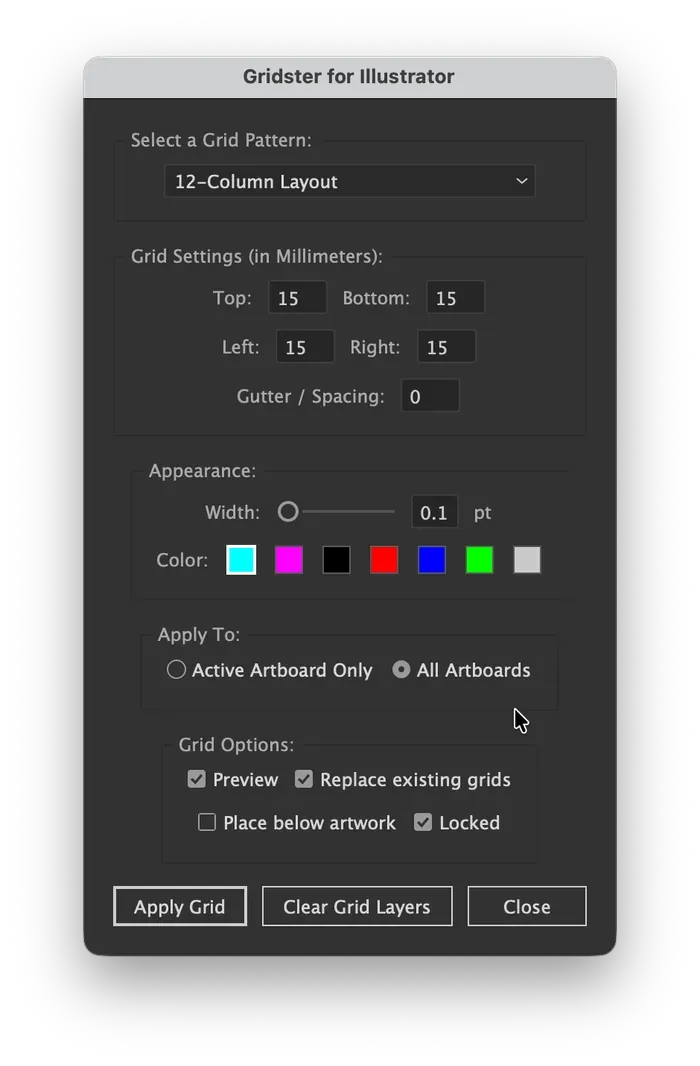
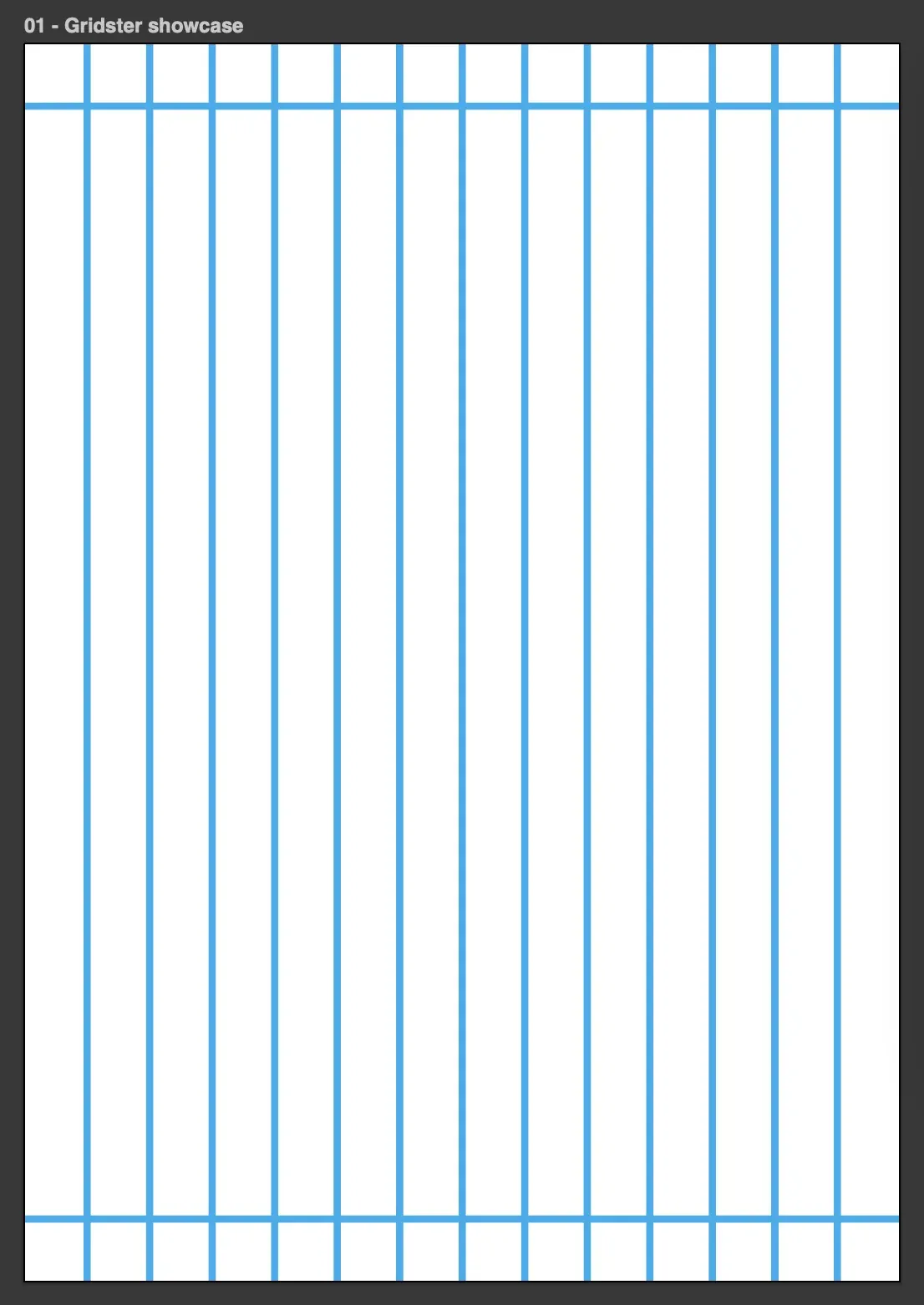
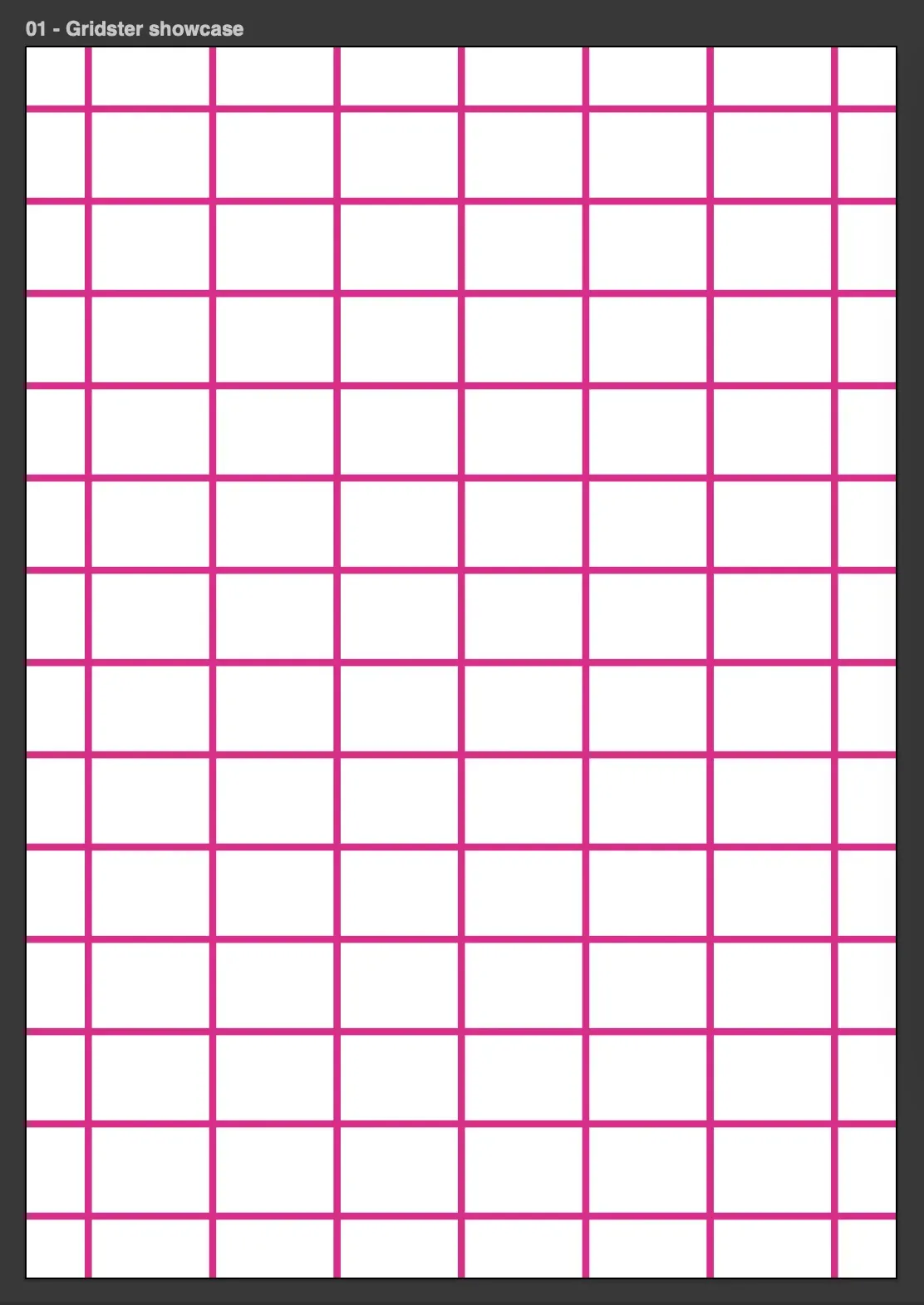
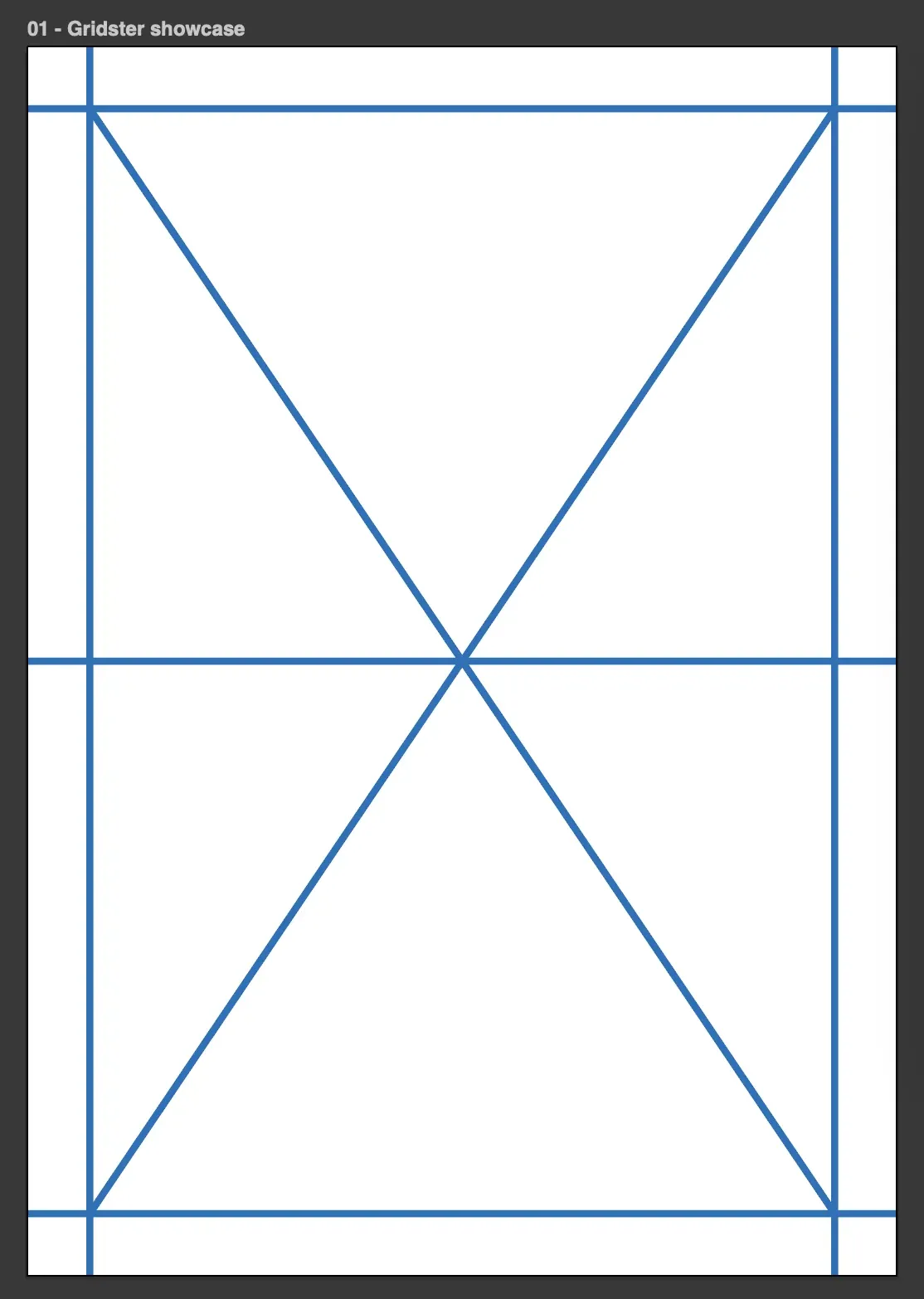
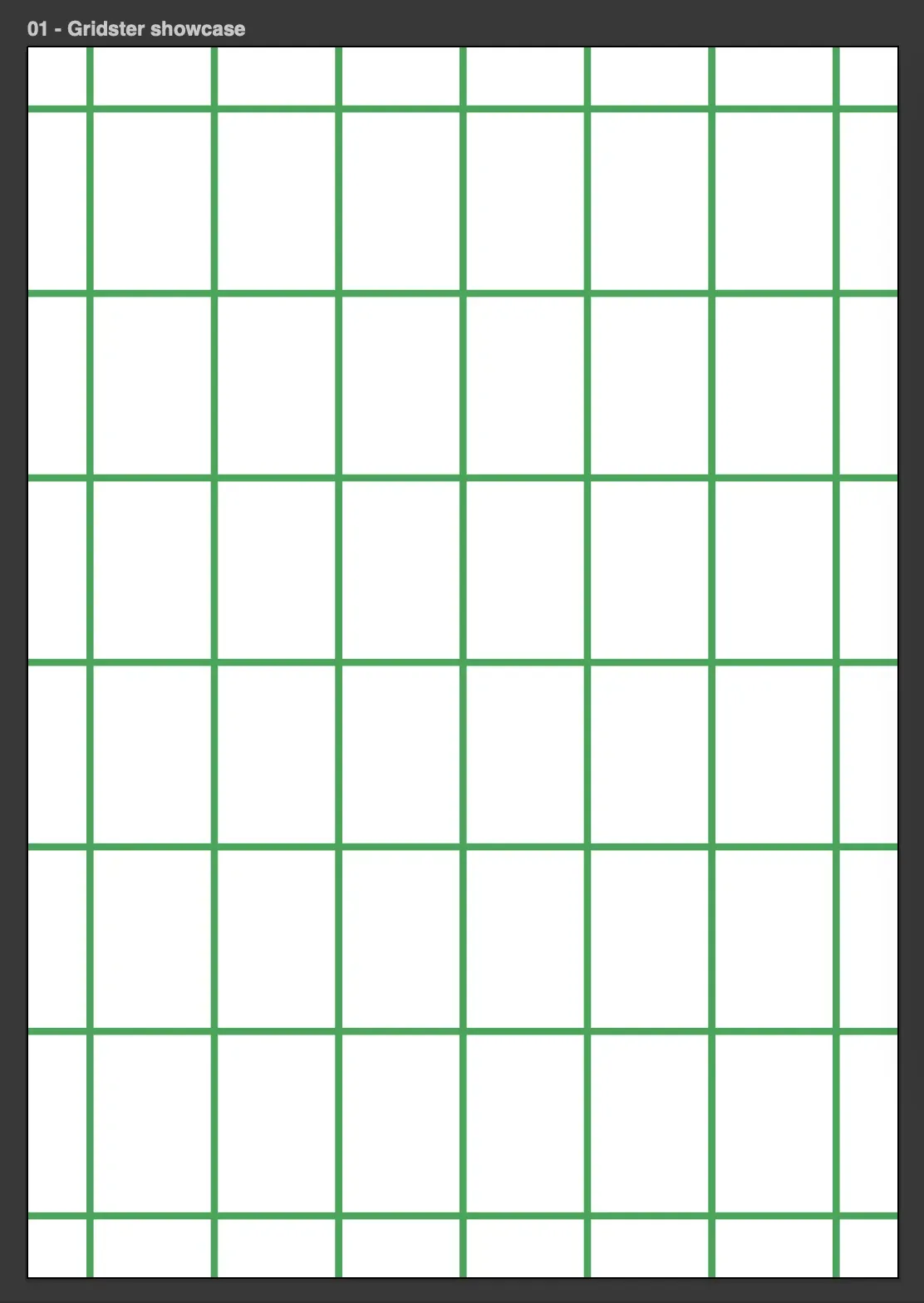
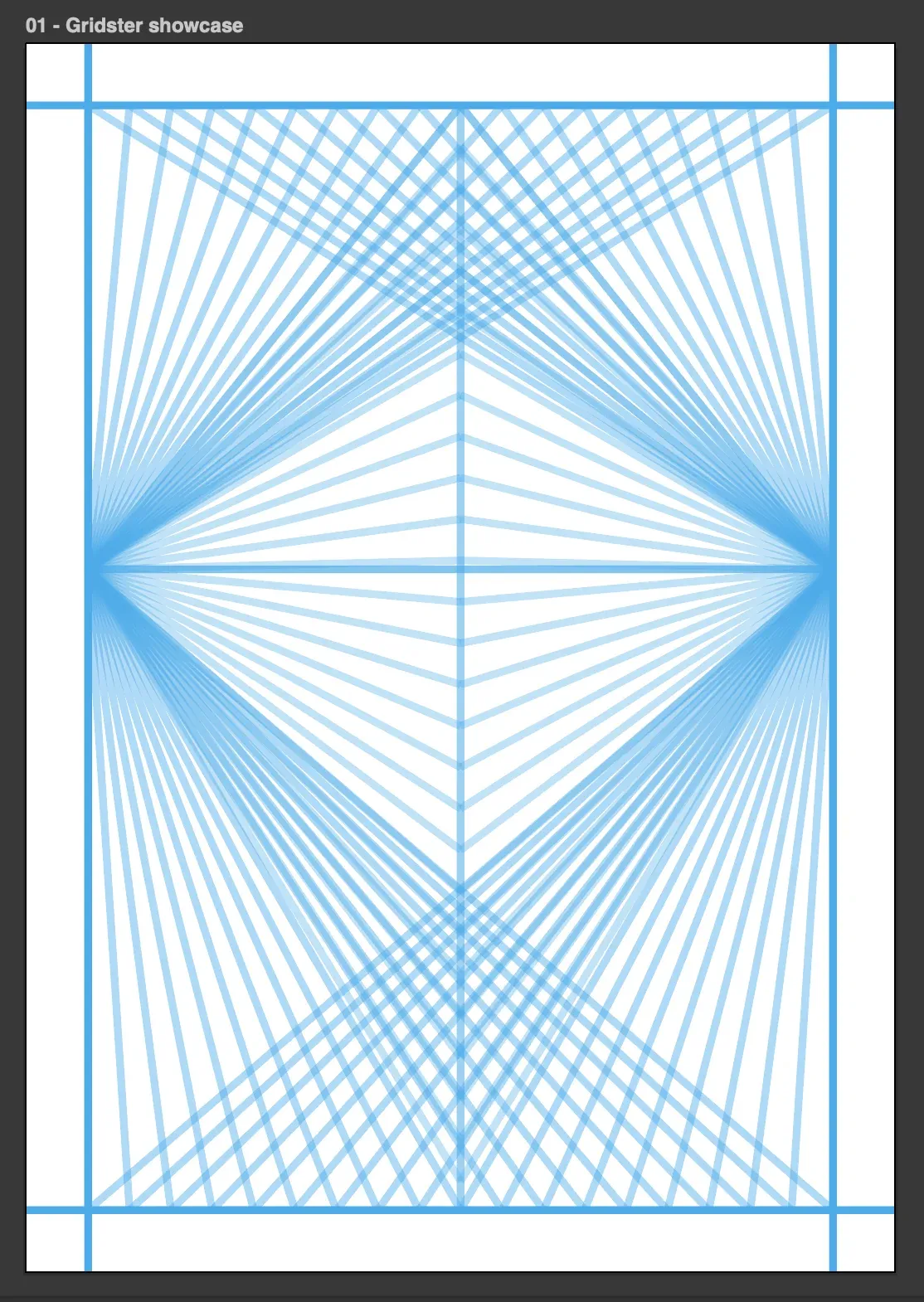
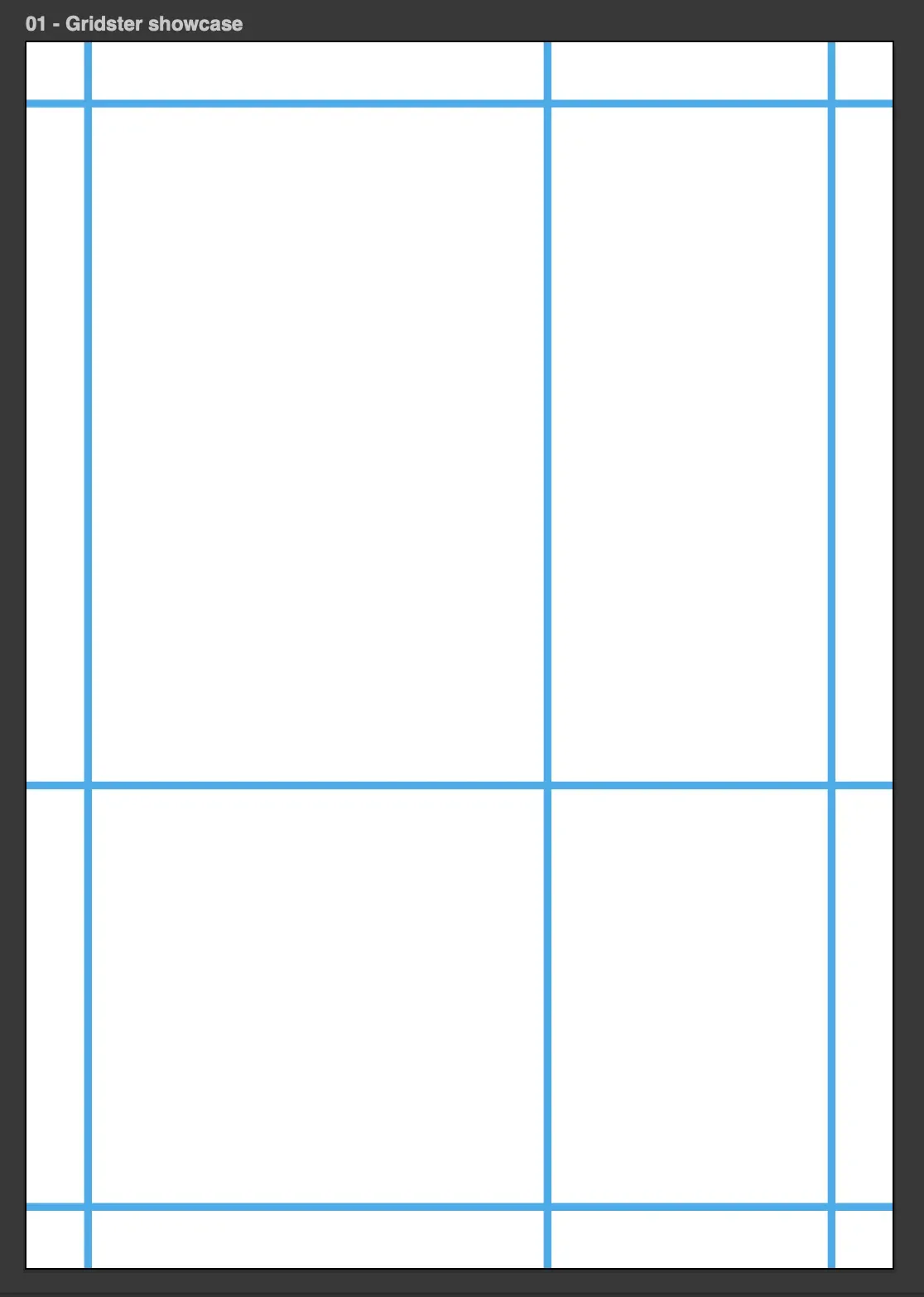
A tool for Illustrator and InDesign that applies different grid presets.
In Illustrator, the grid is placed on a separate locked layer so it does not interfere with the layout. In InDesign, it is placed on a master layer.
The grid can be removed with one click without affecting the artwork. It adapts to different page sizes, with configurable margins and spacing between guides.
*Line weights are increased here for clarity.
An InDesign script that automatically creates a color proof. It generates seven numbered rows of color variations to help find the closest printed match to the color shown on screen.
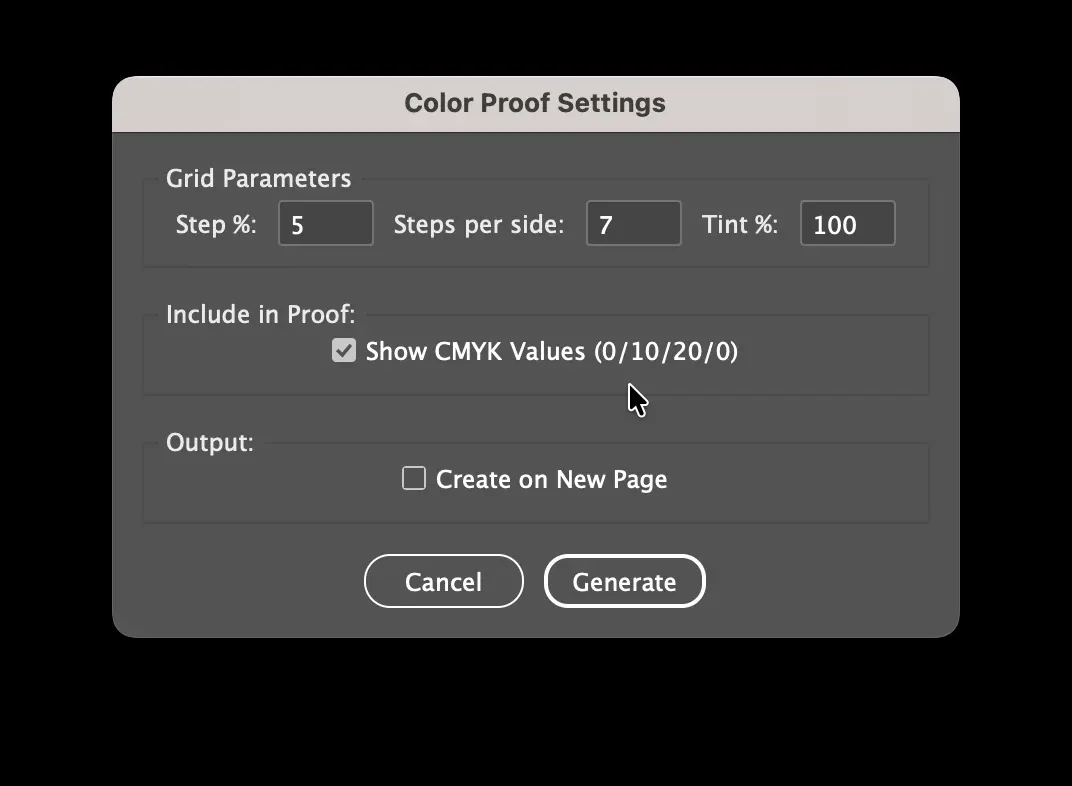
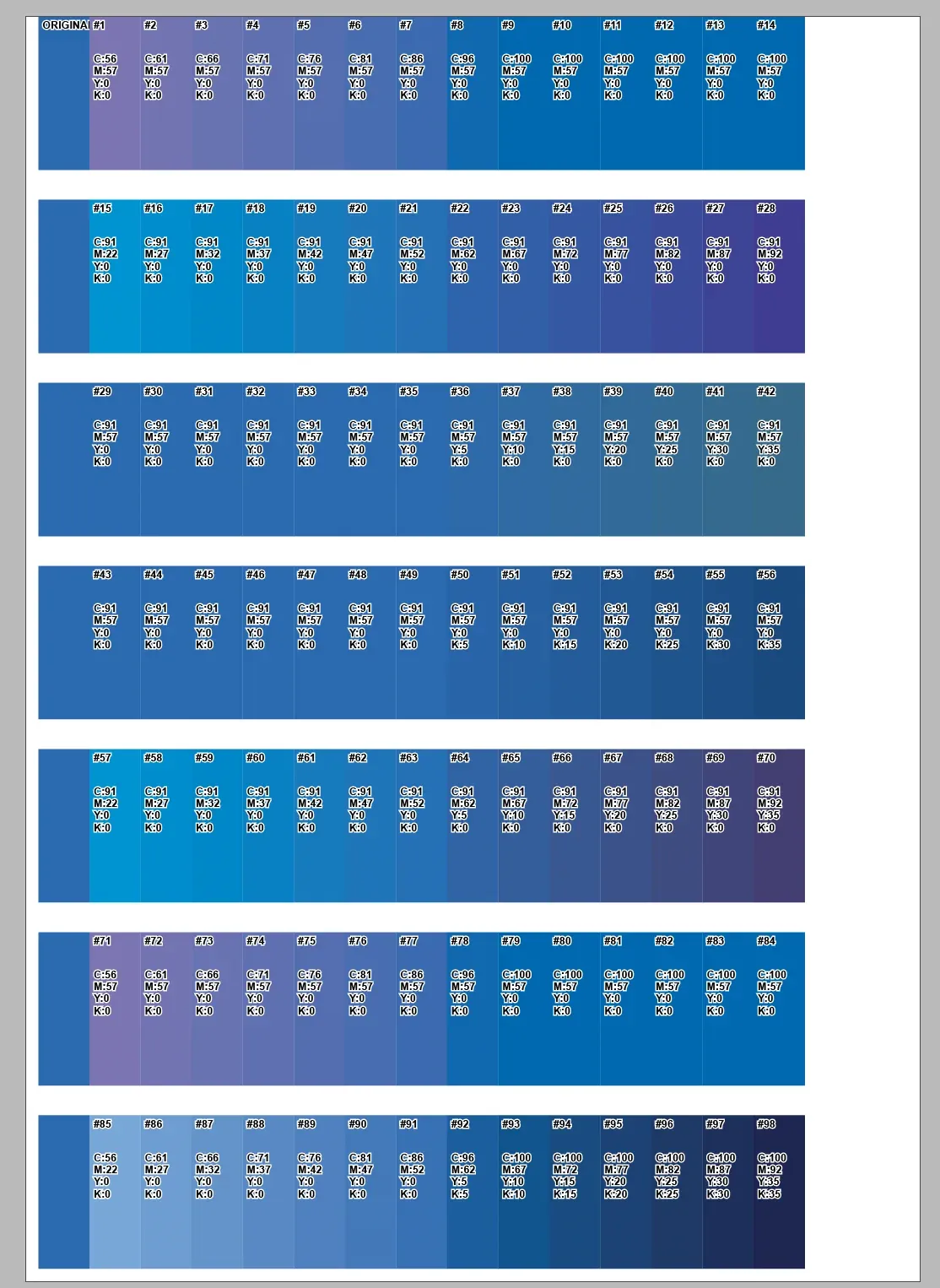
Vector: C 1, M 0, Y 0, K 0. The script adds or subtracts percentages only from the Cyan channel.
Vector: C 0, M 1, Y 0, K 0. Changes only the Magenta channel.
Vector: C 0, M 0, Y 1, K 0. Changes only the Yellow channel.
Vector: C 0, M 0, Y 0, K 1. Adds or removes only black ink.
Vector: C 0, M 1, Y 1, K 0. Changes Magenta and Yellow by the same increment. Adding these inks makes the resulting color appear warmer.
Vector: C 1, M 0, Y 0, K 0. Increasing Cyan makes the resulting color appear cooler.
Vector: C 1, M 1, Y 1, K 1. Changes all four channels at once. Positive steps proportionally add all inks, pushing the color into a deeper shadow; negative steps wash the color out, making it lighter and closer to the paper color.
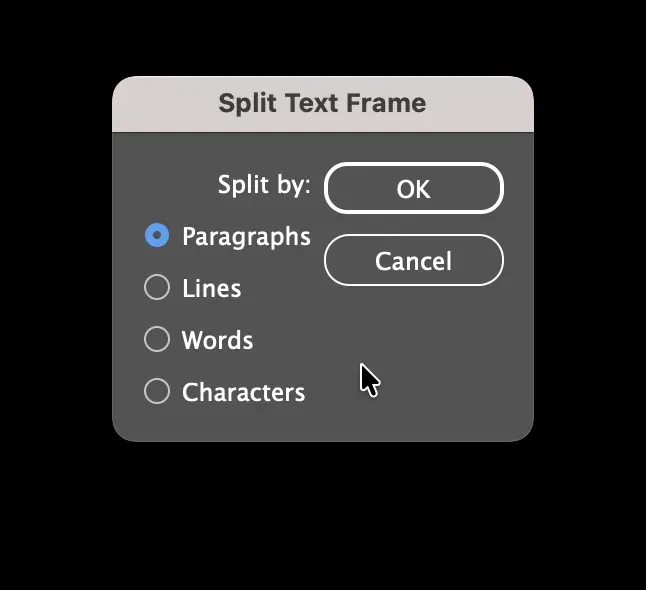
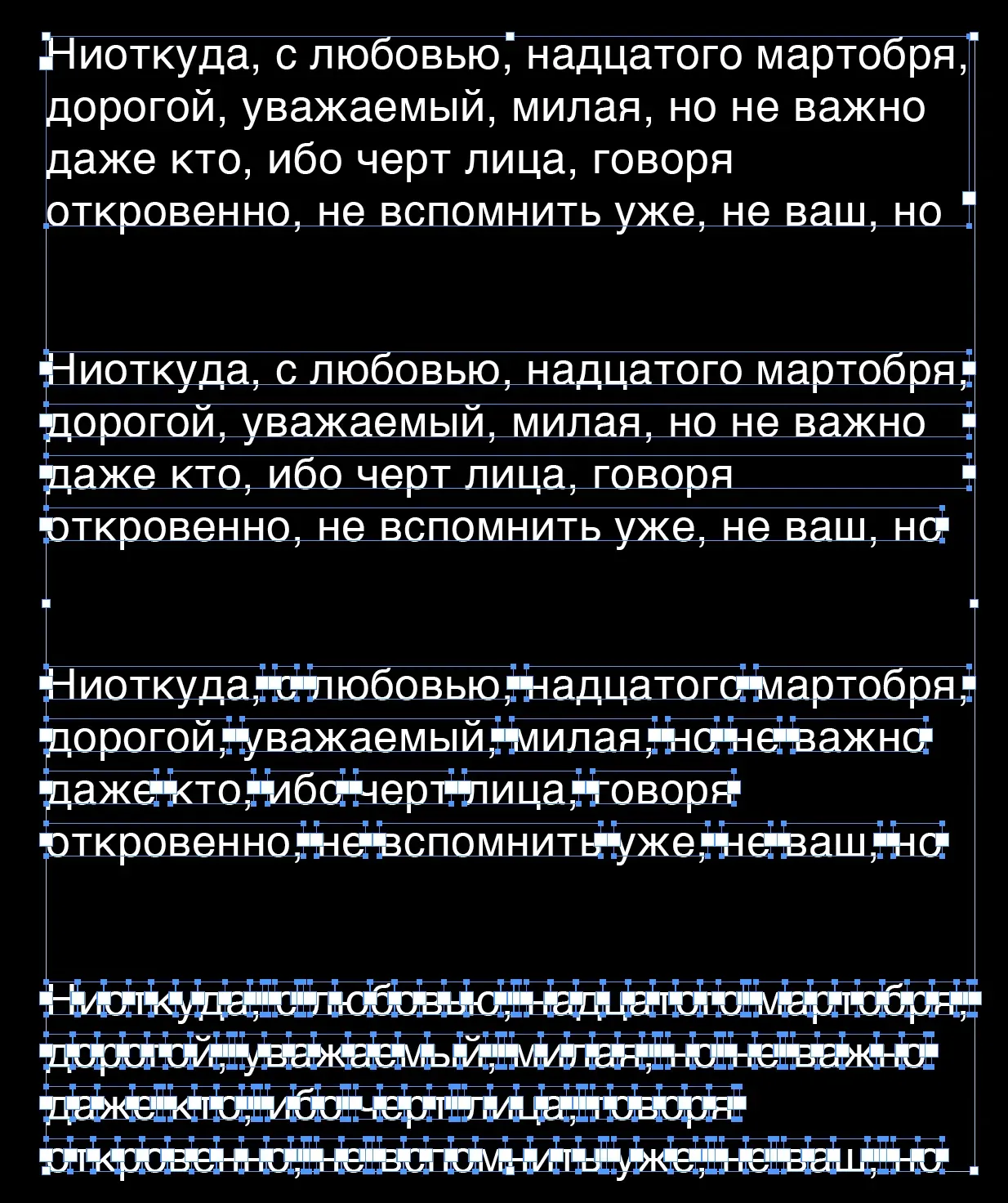
A small InDesign tool that splits text frames into paragraphs, lines, words, or individual characters.
I saw a similar feature in CorelDRAW and decided to recreate it in InDesign. A little embarrassing for Adobe that they still have not built it in.
 Back to contents
 Creates a ready-made system of paragraph and character styles. The script detects the first-page format (A5, A4, or A3), lets the user choose a font pairing, document profile, and text language, then calculates type sizes, leading, spacing, and indents.
There is a separate version for Kazakh-language layout using typefaces that support Kazakh Cyrillic.
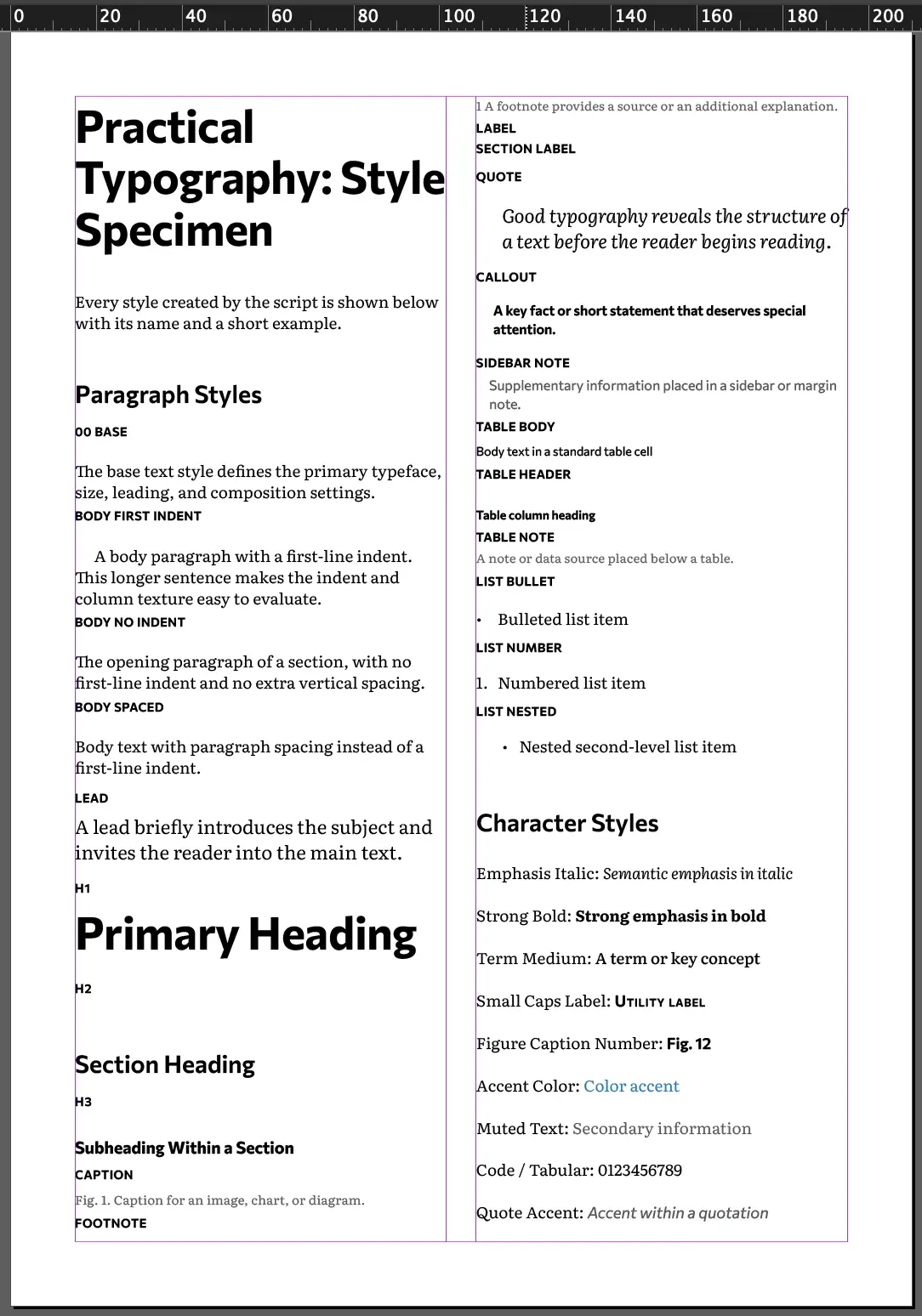
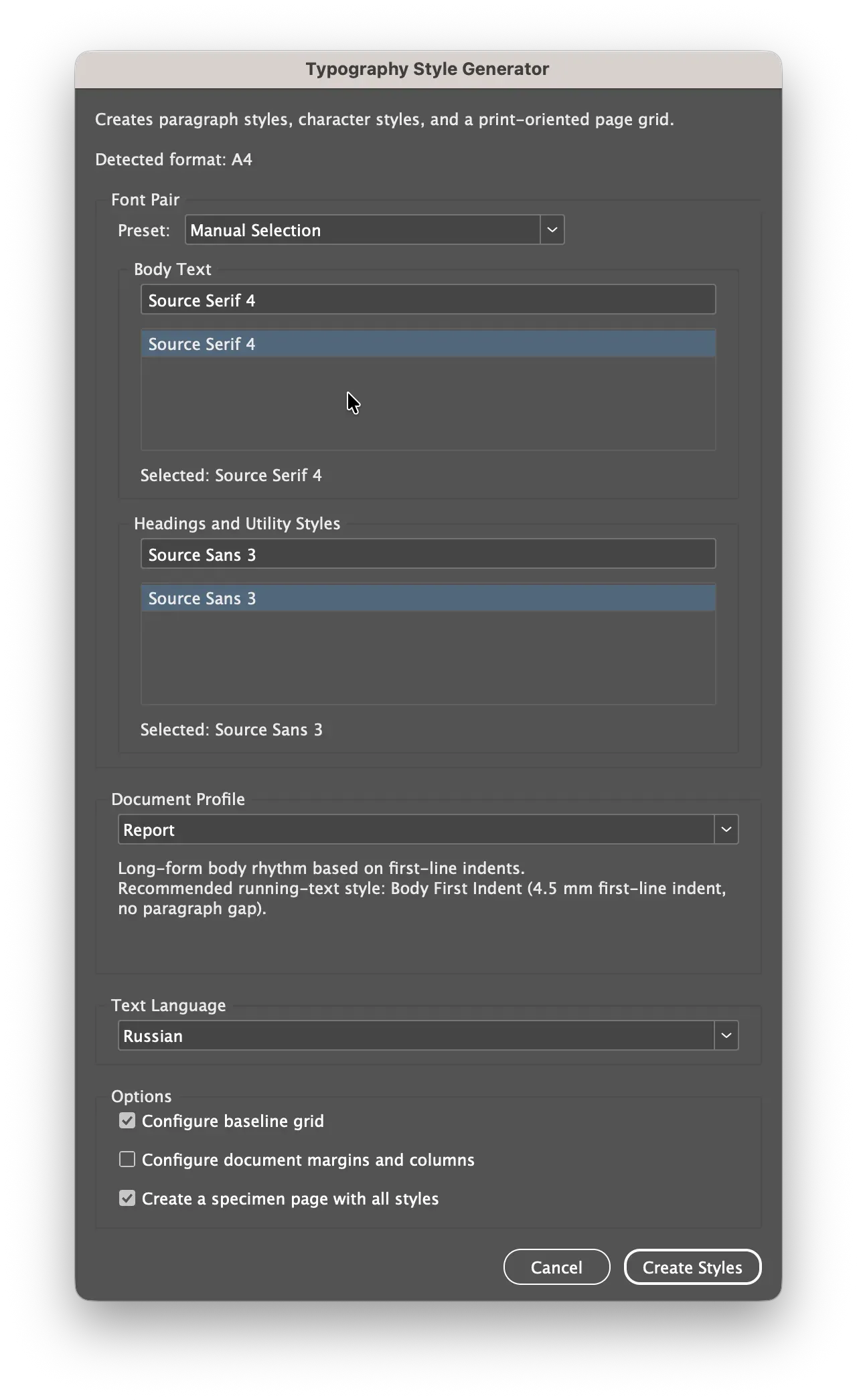
For long, continuous text. The recommended body style is Body First Indent: a 4 mm first-line indent on A5, 4.5 mm on A4, or 5 mm on A3, with no paragraph spacing. Body Spaced uses the tightest Space After value: 0.32 of the baseline.
For editorial and magazine layout. Body Spaced is recommended: no first-line indent and a more visible paragraph gap of 0.4 of the baseline.
For short promotional and informational blocks. Uses Body Spaced with a more open gap of 0.52 of the baseline.
A display-first profile with large headings and extensive use of caps. H1, H2, and H3 are converted to ALL CAPS and receive dedicated tracking. H1 size: 72/63 pt on A5, 112/98 pt on A4, and 156/136 pt on A3.
Main pairings: Source Serif 4 + Source Sans 3, PT Serif + PT Sans, Literata + Commissioner, Lora + IBM Plex Sans, Spectral + Montserrat, and Noto Serif + Noto Sans. Helvetica Solo and EB Garamond + Helvetica are also available.